In order to prepare a USB drive to reinstall Windows, you will need two things:
- A Windows computer to download & execute the tool. NOTE: no settings will be changed on this computer, so it’s ok to use a personal computer.
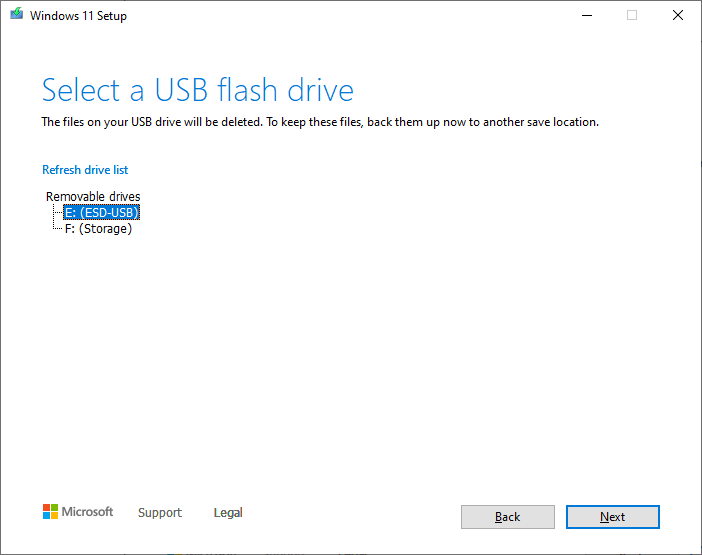
- A USB drive that is 8Gb or greater in size. NOTE that this process will completely erase this USB drive.
- First, we’ll need to use your Windows computer to download the Microsoft Media Creation Tool.
- Windows 11 link: https://go.microsoft.com/fwlink/?linkid=2156295
- Windows 10 link: https://go.microsoft.com/fwlink/?LinkId=2265055
- Next, insert the USB drive.
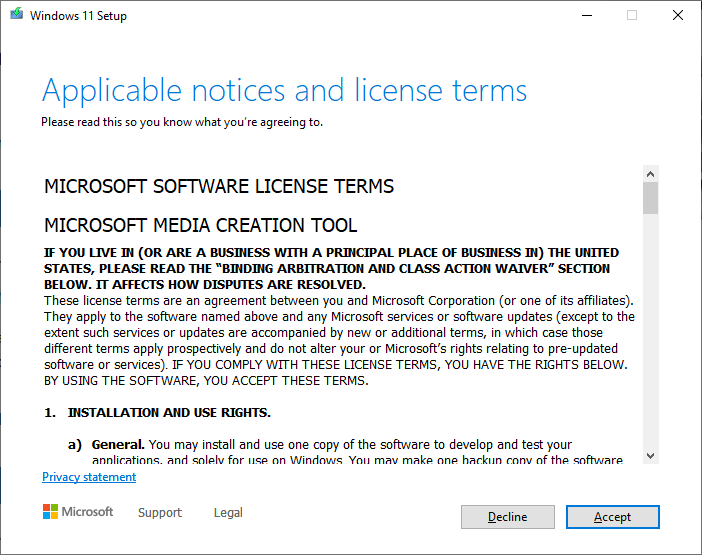
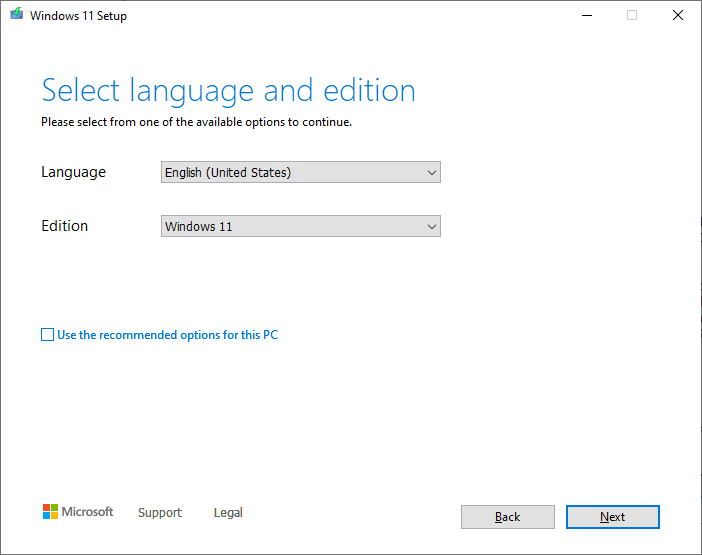
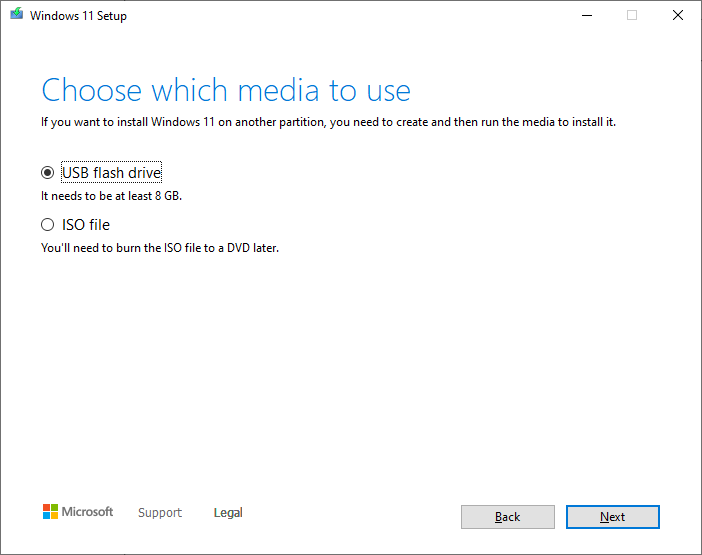
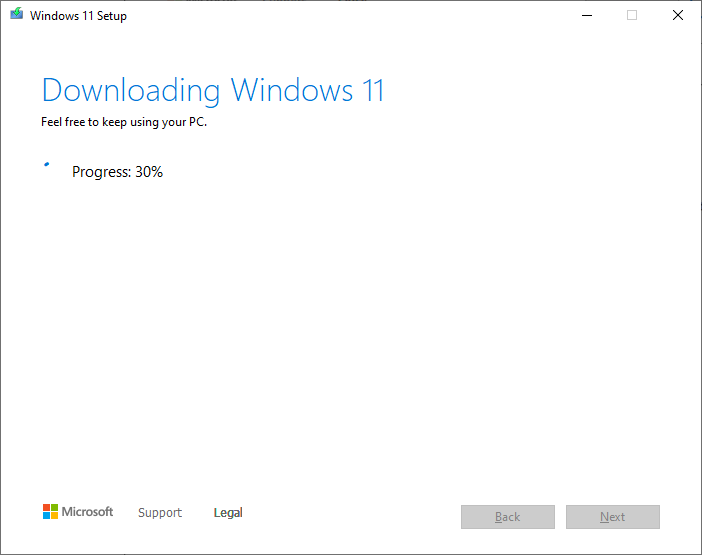
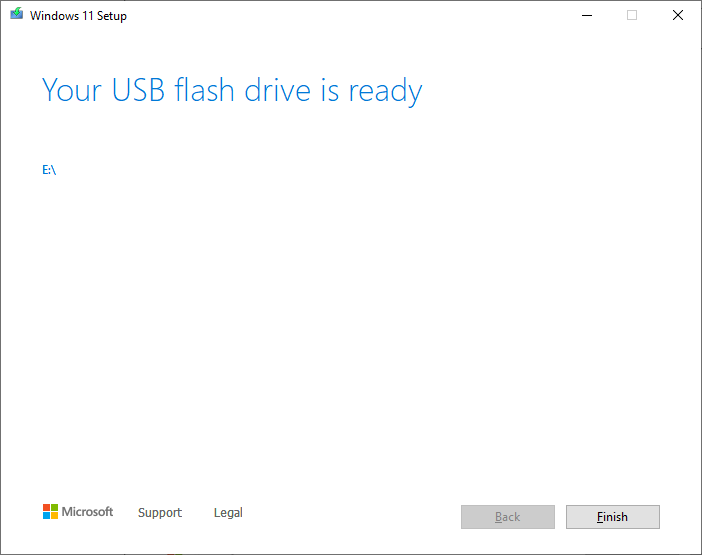
- Finally, we’ll run the Media Creation Tool & follow the guided steps.