
When enrolling a device during the Windows setup process, this error can present itself:
Something went wrong. Looks like we can’t connect to the URL for your organization’s MDM terms of use. Try again, or contact your system administrator with the problem information from this page. Additional problem information: Error: invalid_client Error subcode: Description: failed%20to%20authenticate%20user
This is caused by the user missing the proper license prior to enrollment. Continue reading below for example screenshots and more details on how to resolve it.
During Windows Setup
The error message may look like this:
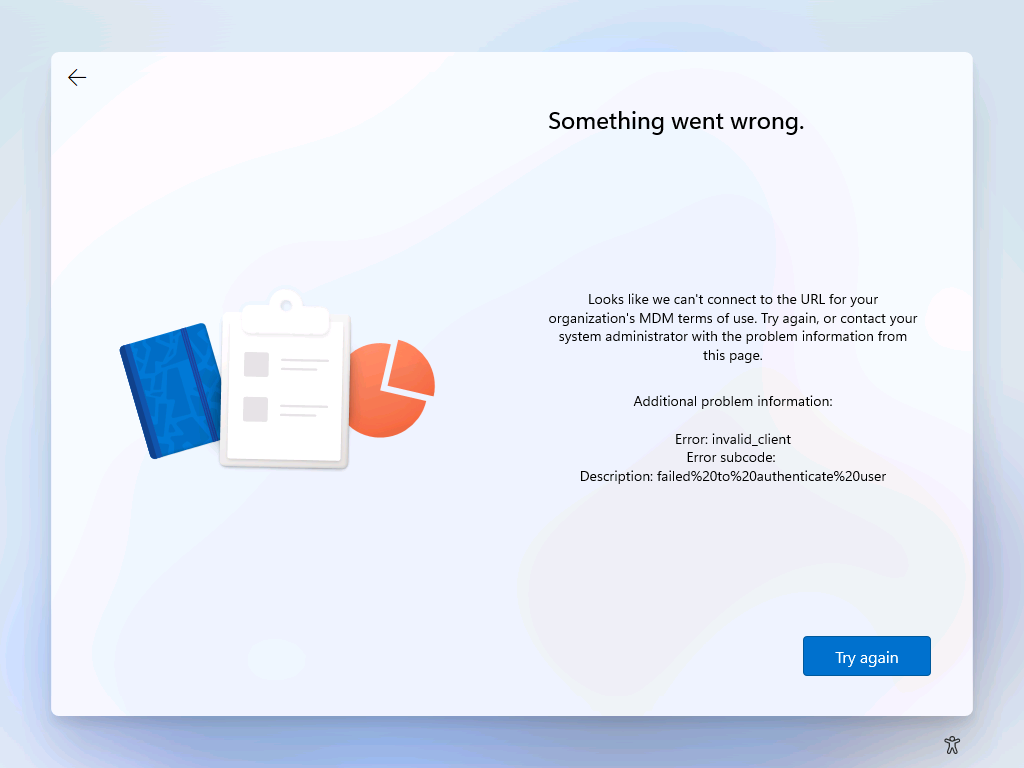
The root cause of this error is the user account missing the necessary Intune license, and can be easily resolved just by purchasing and assigning a license to the enrolling user’s Entra account.
After verifying the license is assigned, you’ll need to reboot the laptop & restart the Windows setup process in order to proceed.
Enrollment from within Windows
When enrolling a device from a normal Windows session, the error can look like any of the below:
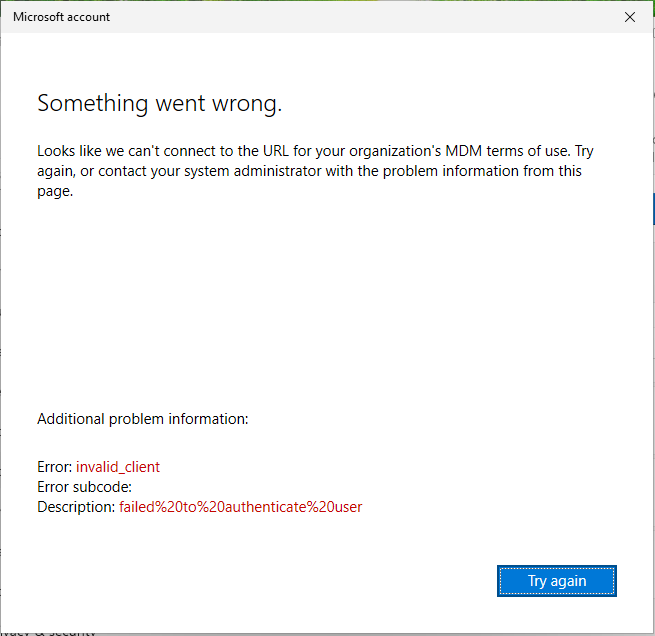
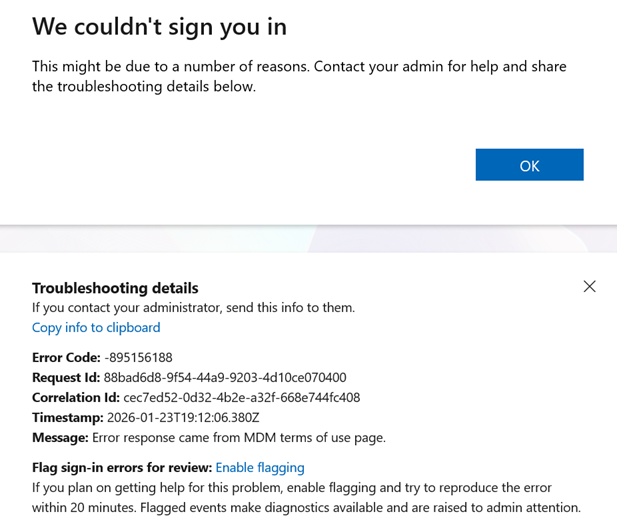
The root cause of this error is the user account missing the necessary Intune license, and can be easily resolved just by purchasing and assigning a license to the enrolling user’s Entra account.
After verifying the license is assigned, you can click the “Try again” button, if available, in order to re-attempt the authentication process. A reboot may be necessary to properly reset things for the enrollment process to succeed.
Enrollment error 80004005
A wonderfully opaque error message, this code basically translates to “access denied/error with the account authorization” and can be caused by elements of the Microsoft account’s password not being synchronized across different Microsoft subsystems.
The solution for this error is to use the Microsoft Account Security Info page to reset the password for the account & allow that change to propagate across all of Microsoft’s various interconnected systems.
Once this has been completed, rebooting the machine & retrying the process should complete successfully.