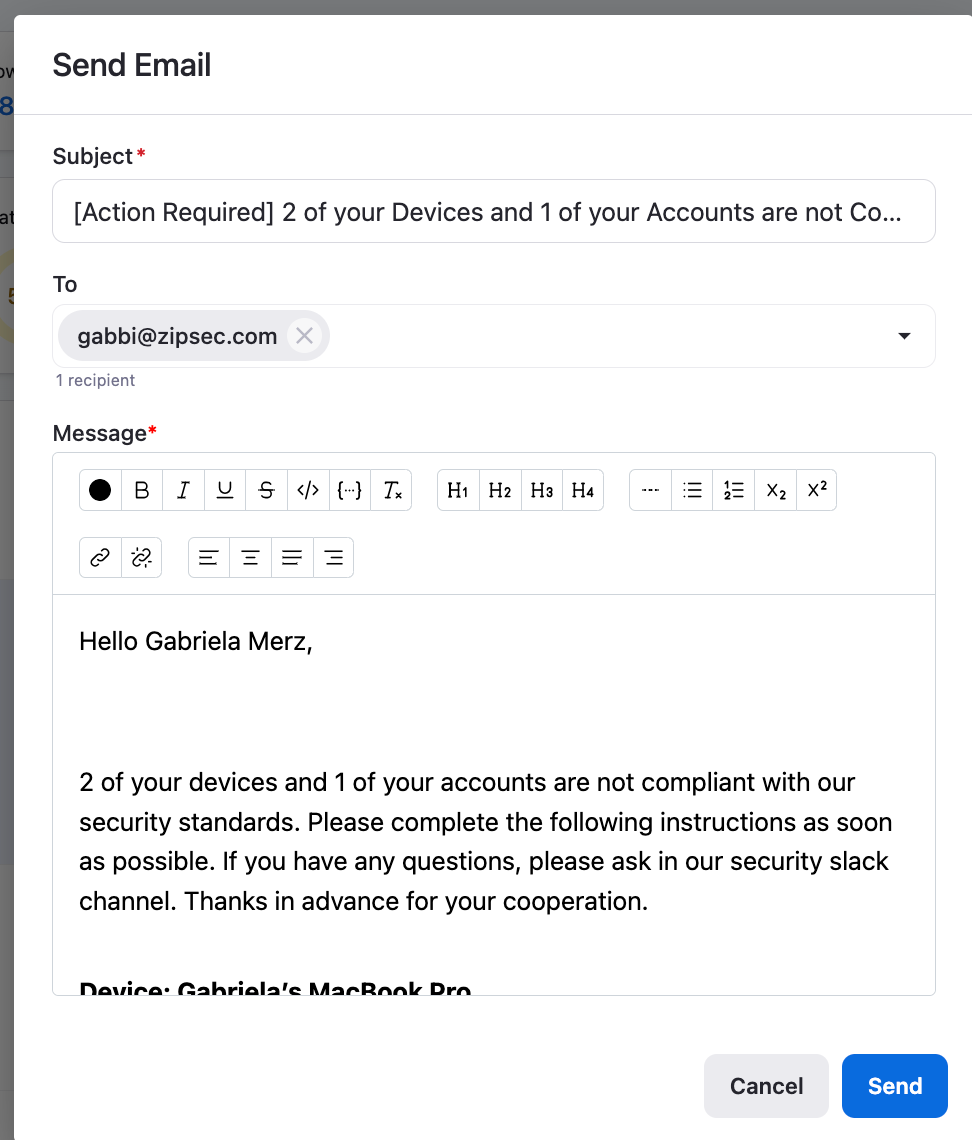
If you’re struggling to send emails through Gmail with Zip, you may need to revoke your permissions and re-authorize our app. If you run into further trouble, please contact info@zipsecinc.cc!
Part 1: Revoking Permissions in Google
- Navigate to https://myaccount.google.com/permissions and search for “Zip Security”
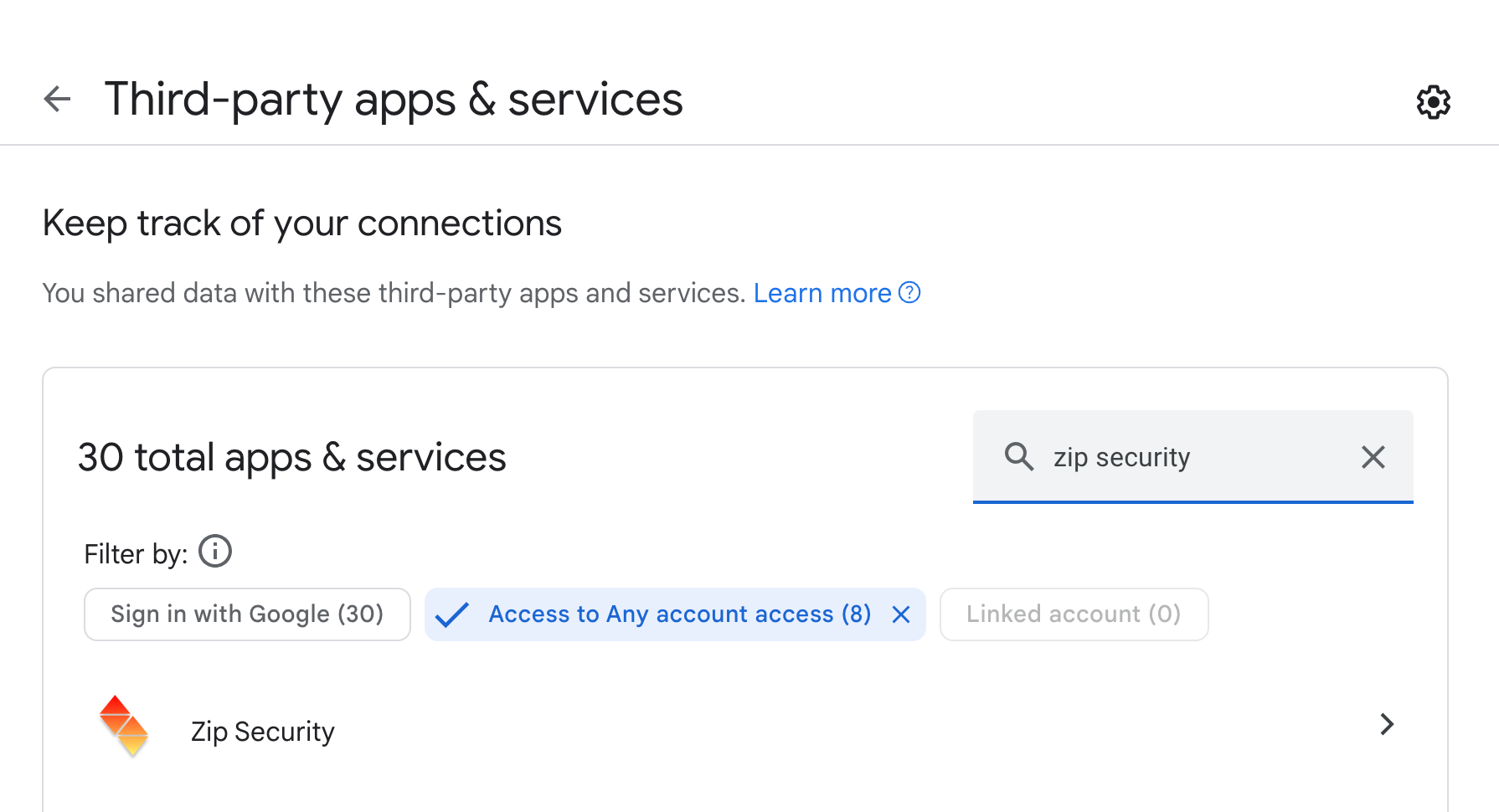
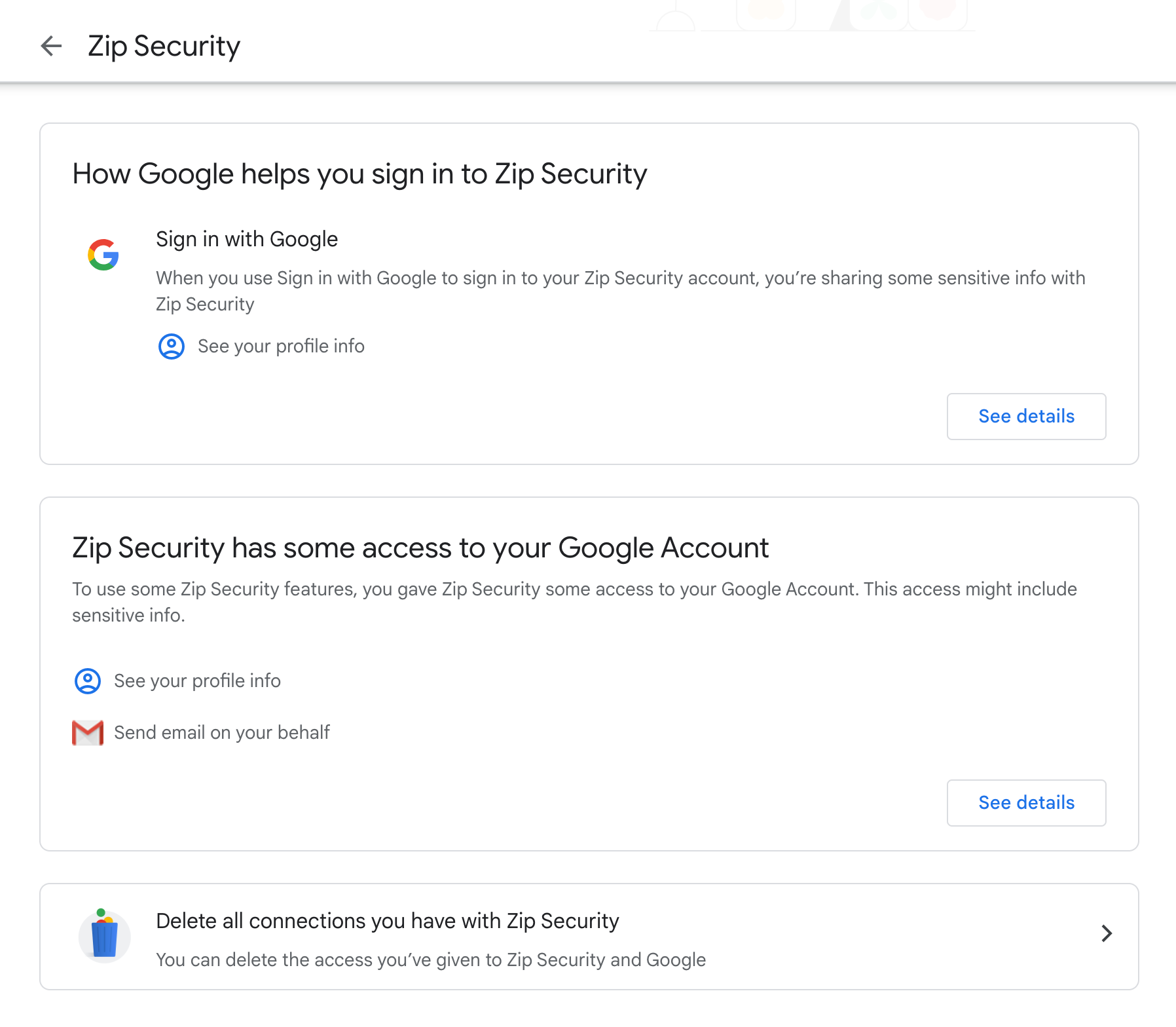
- Click on the search result, and you’ll be taken to a screen that looks like the one below. In the second modal, where you see “Zip Security has some access to your Google account” click “Delete all connections you have with Zip Security” and confirm.
Part 2: Re-authorizing and Testing
- Navigate to the zip console at https://zipsecinc.cc and log in with your organization. If you’re already logged in, please log out.
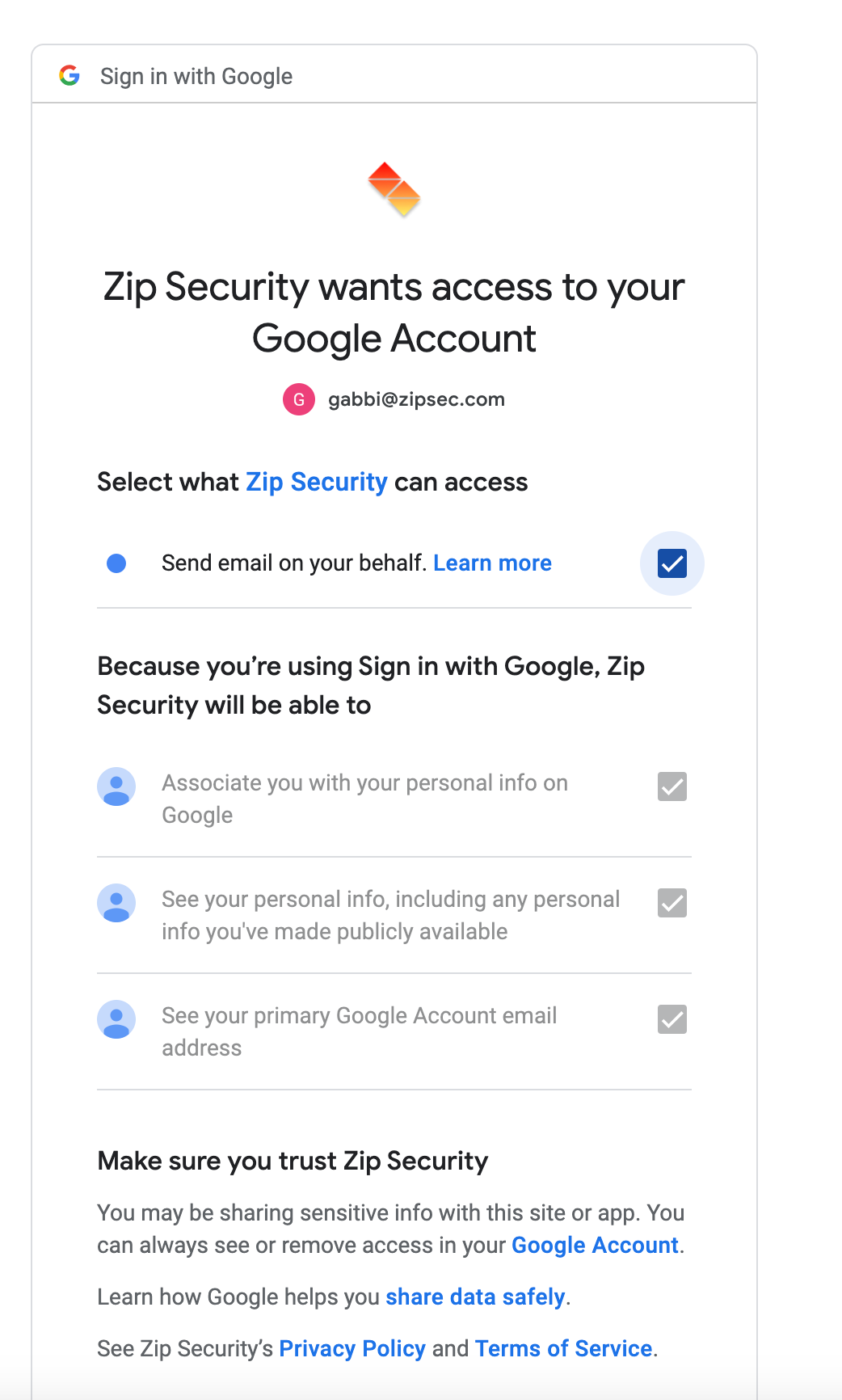
- On your next login, you should be prompted to re-authorize Zip. Make sure the box to send email is checked, like the screenshot below:
- Navigate to the “Overview” tab and search for yourself in the members table. Click on your email address to open up the email modal and test sending an email to yourself. If the email fails to send, please email info@zipsecinc.cc.